
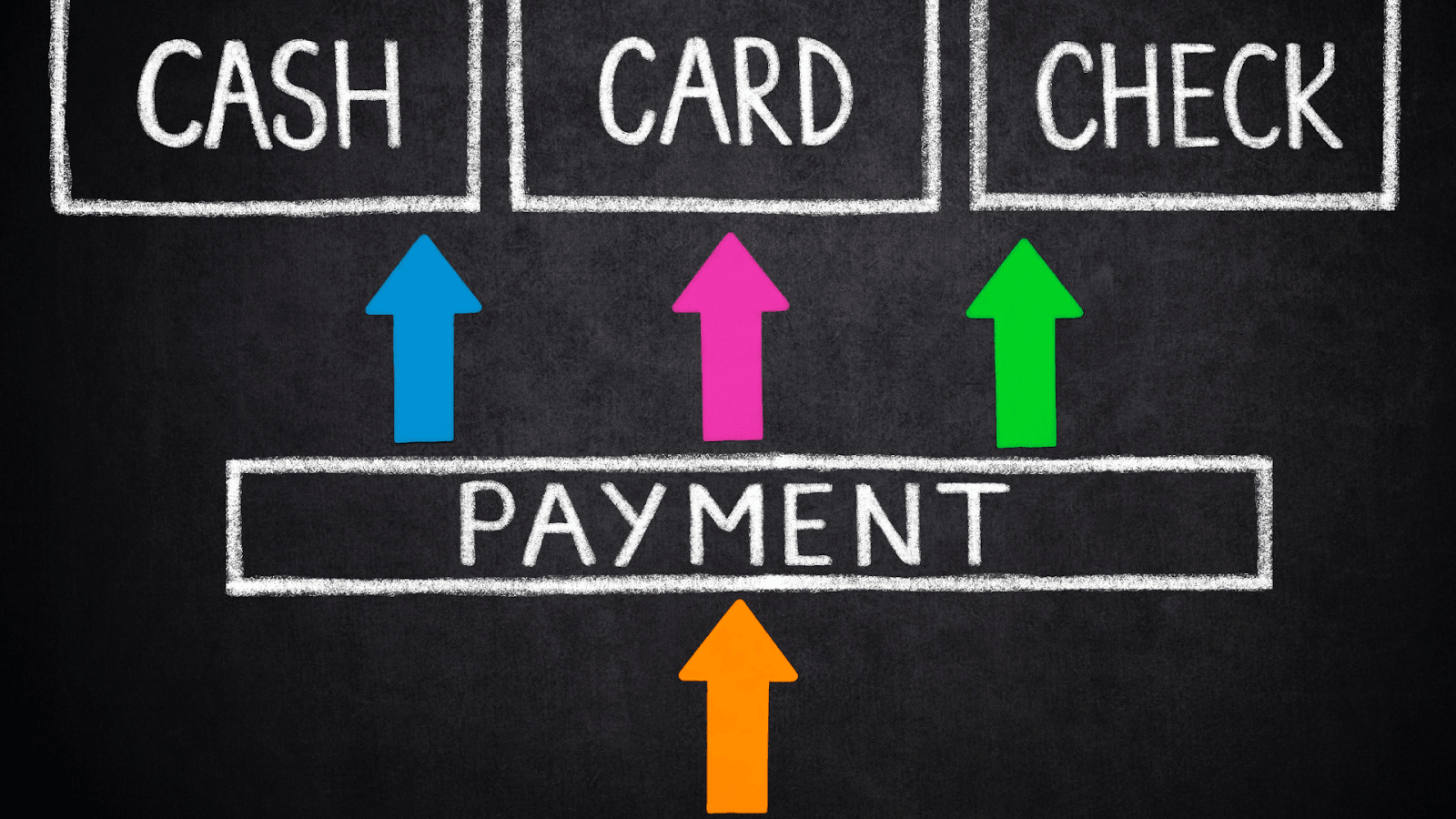
Account & billing
How to add a new payment method for the IsOn24 subscription
Step-by-step: add a new card or update the payment method for your IsOn24 subscription from the app's billing screen.
How to add a new payment method for the IsOn24 subscription
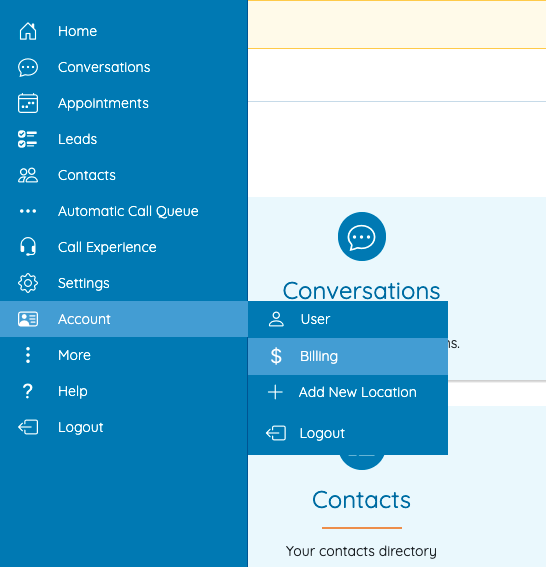
Go to Menu > Account > Billing
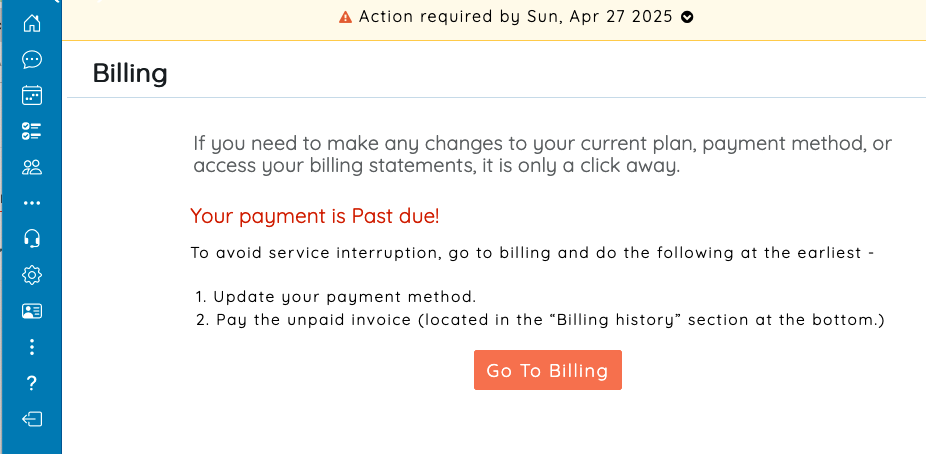
Review the messages and click on "Go To Billing"
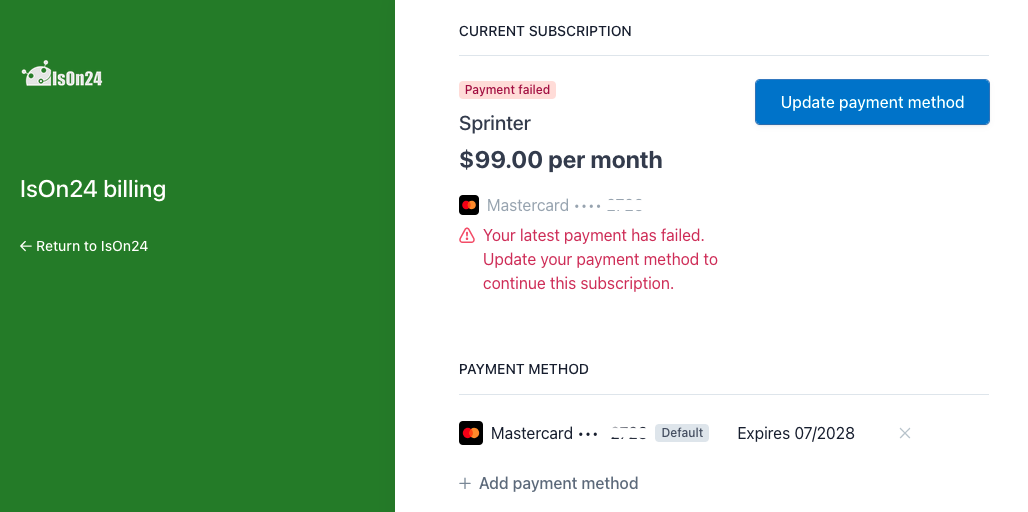
Update the payment method.