
Account & billing
How to add a new business or location from the IsOn24 app
Add another business or location to your IsOn24 account from the app, so each location gets its own Call Agent, phone number, and settings.
How to add a new business or location from the IsOn24 app

**Please note that you must have a paid plan for your current business or location before adding a new location.
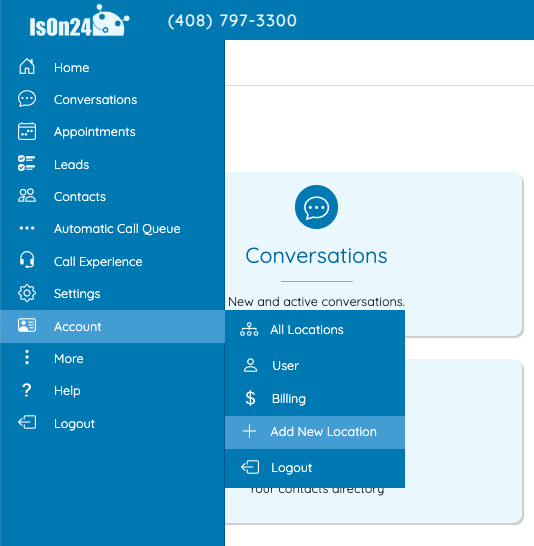
Go to Menu > Account > Add New Location
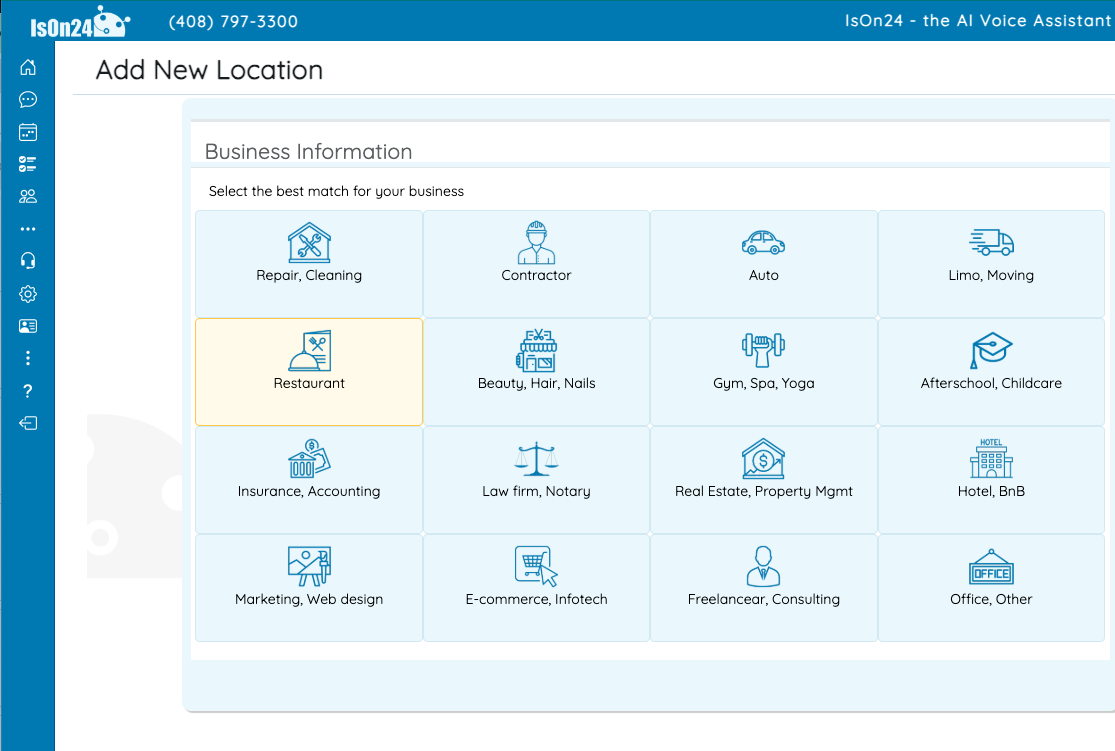
Select a business type that best matches the business at your new location
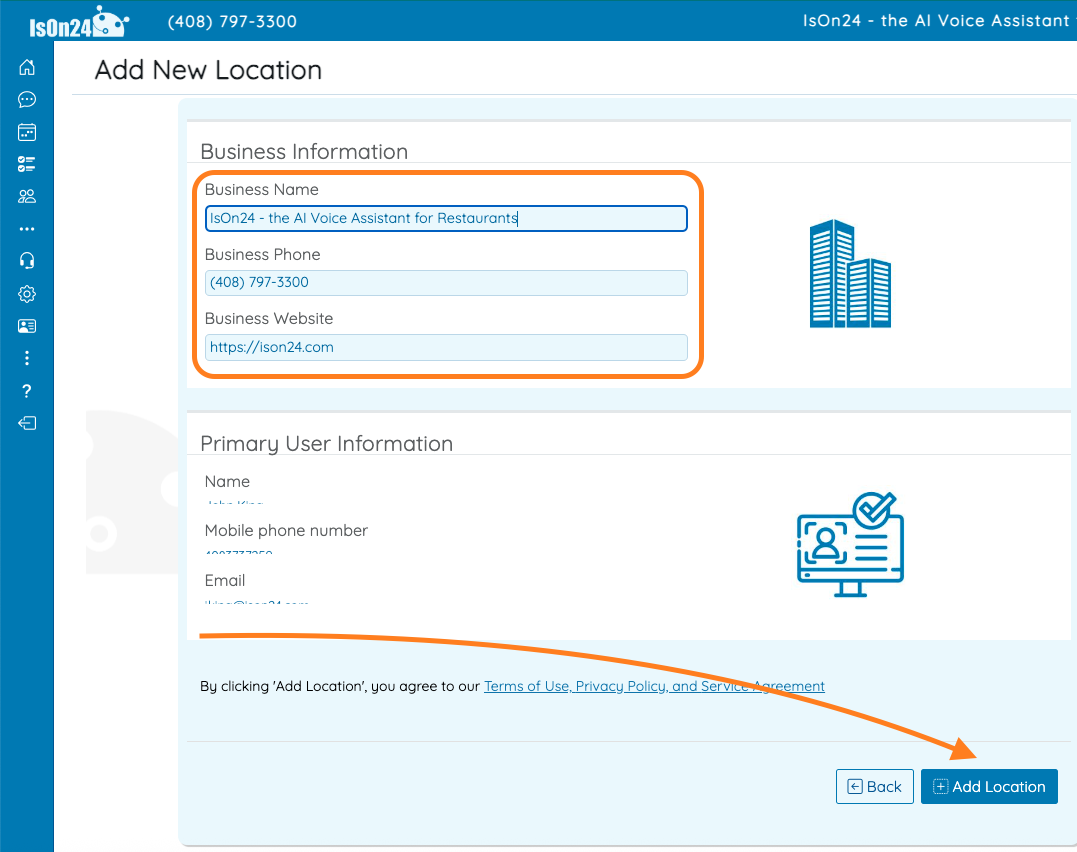
Confirm the new location information and add it.