
Apps & devices
How to bookmark or add home screen icon for the IsOn24 app on iPhone
Add an IsOn24 app icon to your iPhone home screen from a text alert, so your calls, messages, and leads are one tap away.
Add a Home screen icon for the IsOn24 app on the iPhone

1. Go to the Text message alerts from the IsOn24 AI voice assistant.
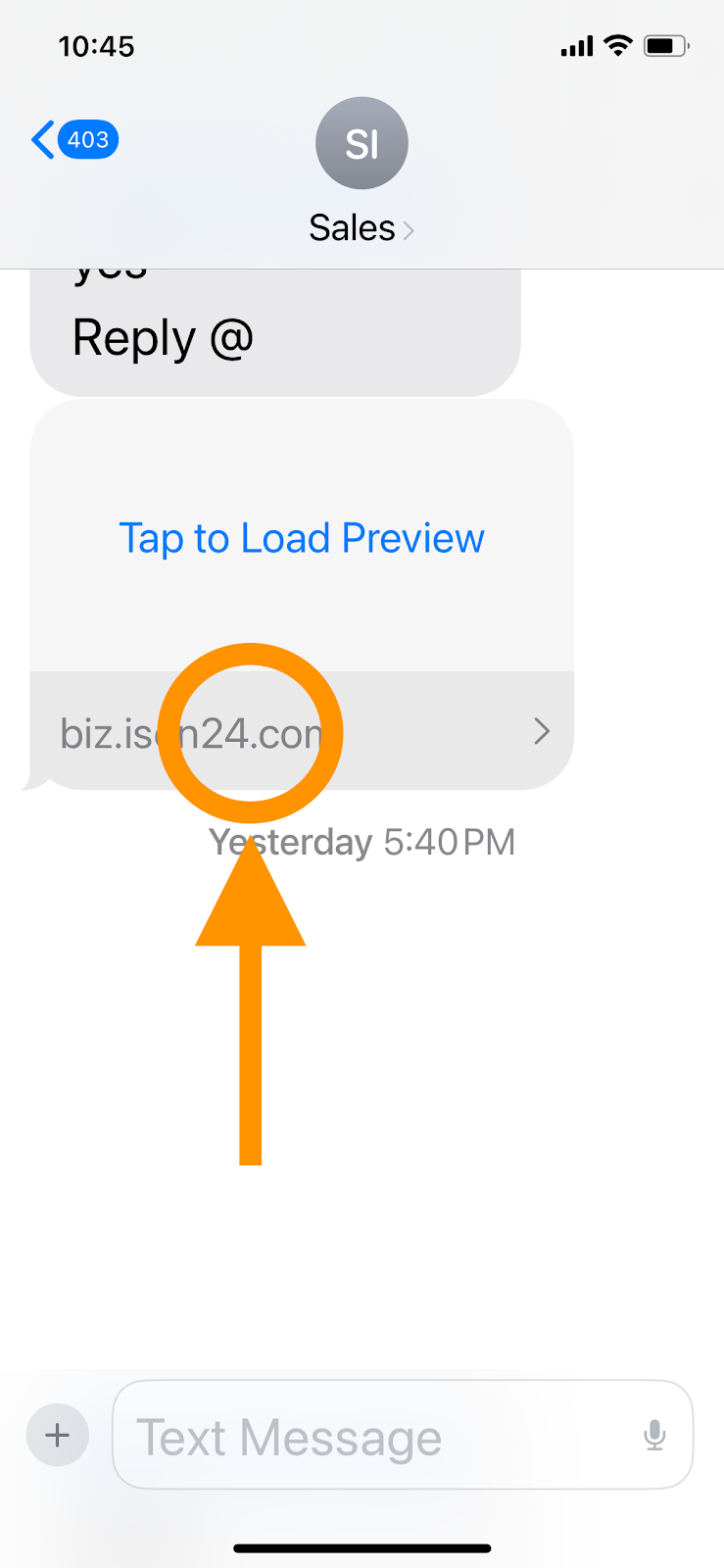
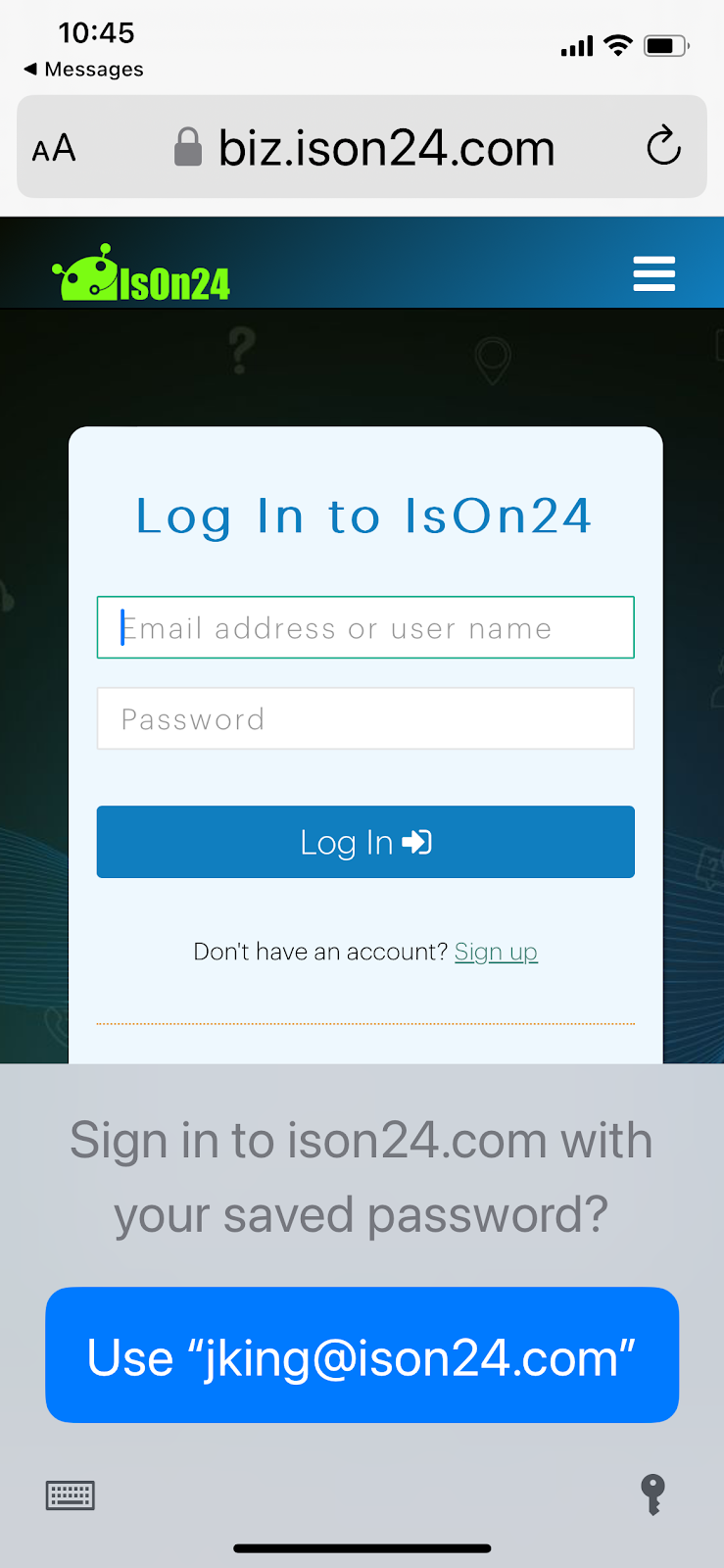
2. The IsOn24 app will open in the Safari browser. Login as needed.
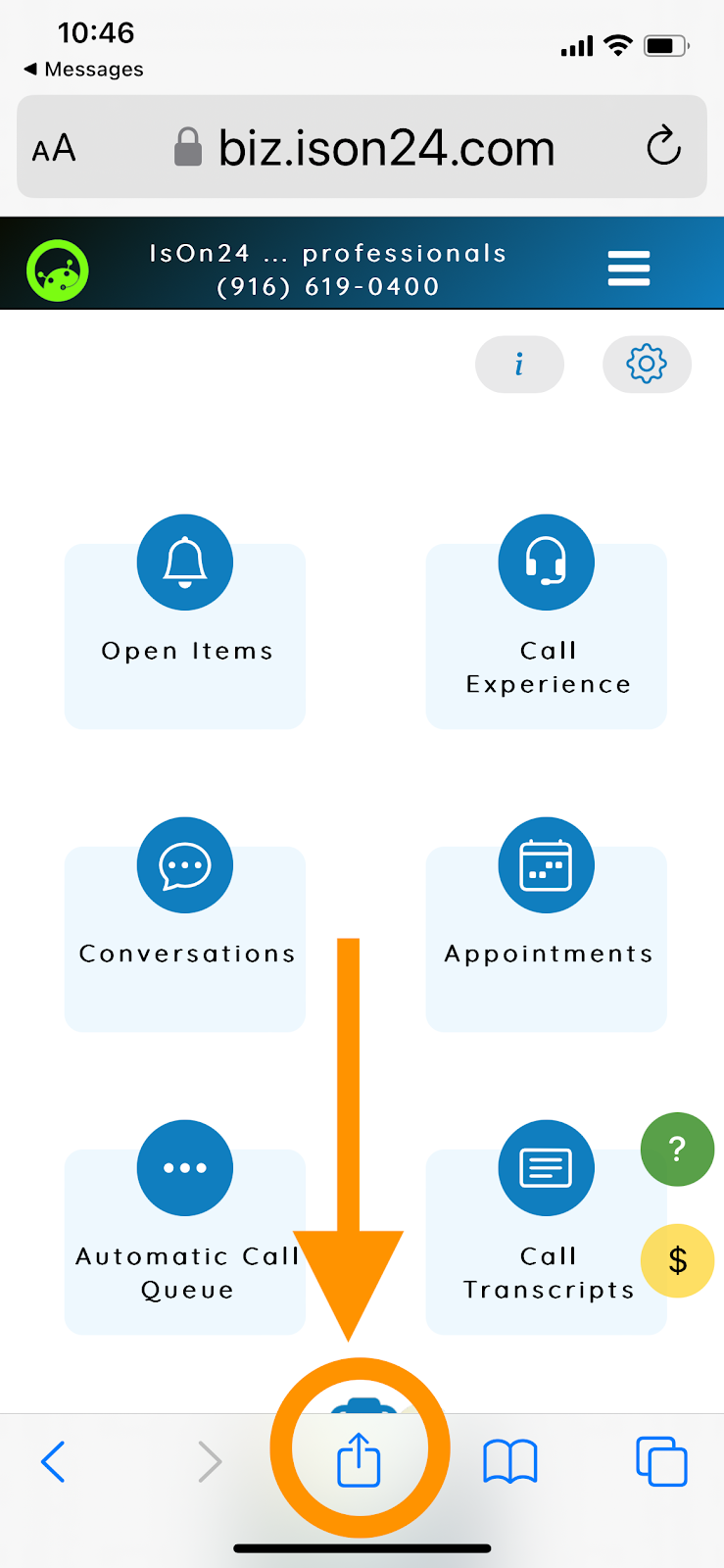
3. Tap on the share icon at the Safari action bar as below:
4. Scroll down the sharing options and tap on Add to Home Screen.
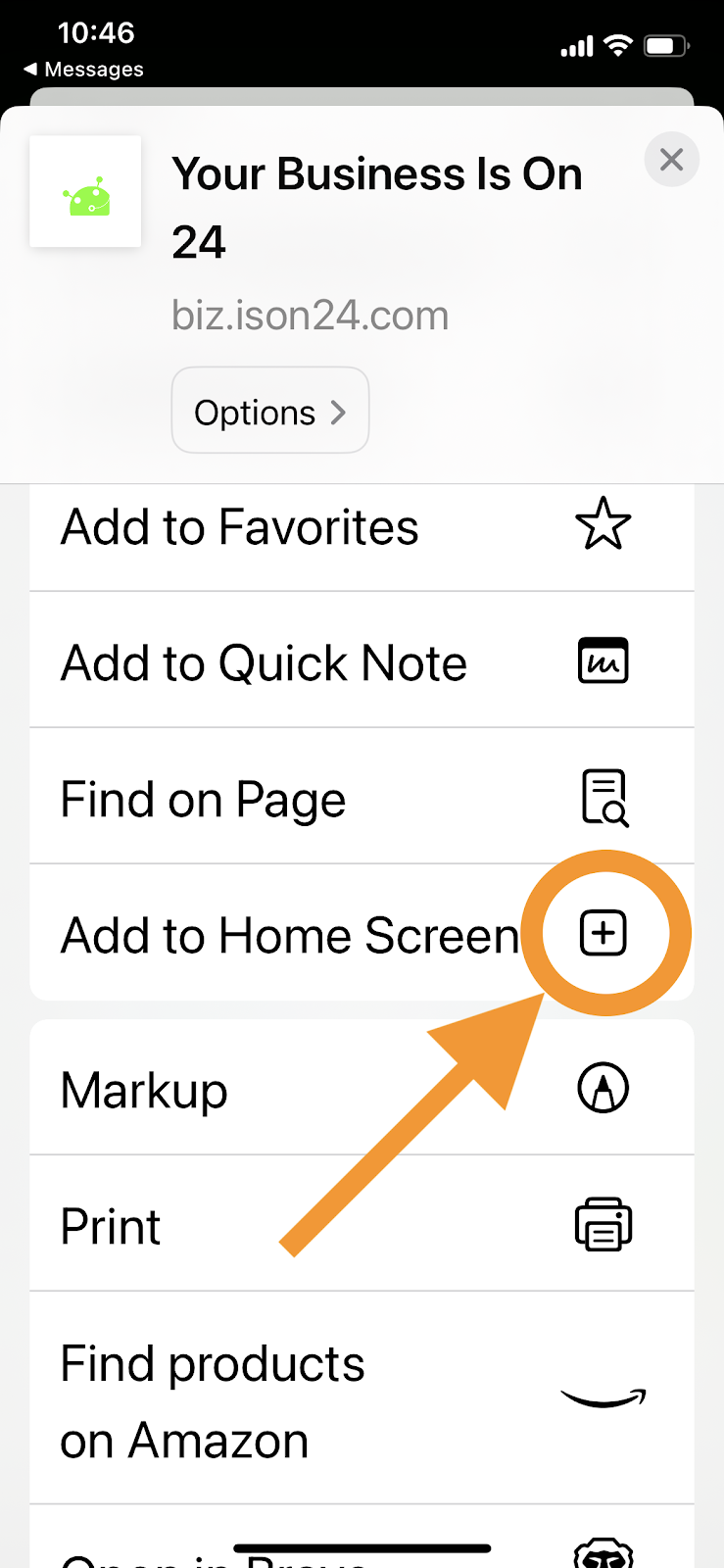
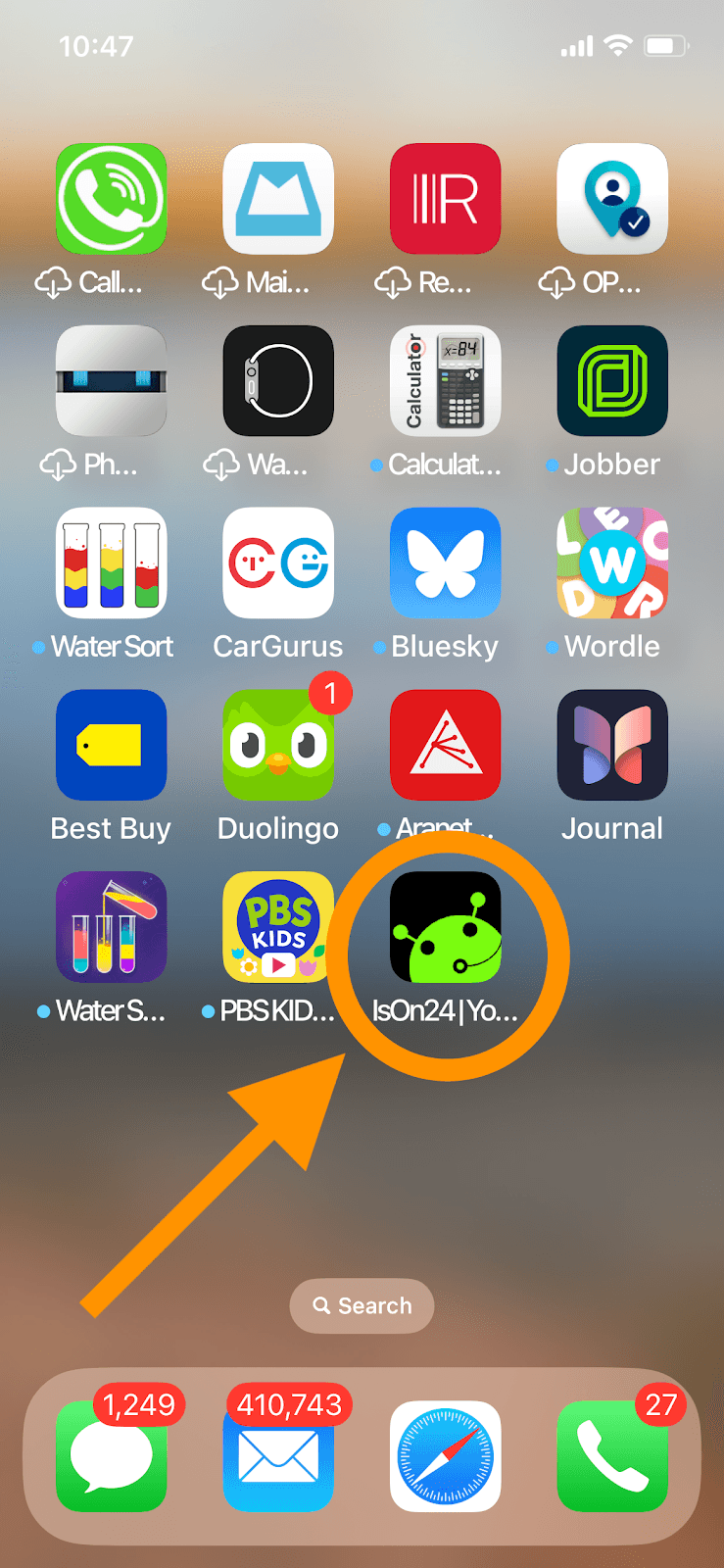
5. Tap Done at the bottom. You will find the IsOn24 app home screen icon as shown below.
Thanks!