
Integrations
Reconnect IsOn24 to Zapier
Got a Zapier alert about your IsOn24 connection? Follow these steps to reconnect your IsOn24 account and get your Zaps running again.
If you get an alert from Zapier about the IsOn24 connection, you may need to reconnect your IsOn24 account to your Zapier account. Here are the steps -
1. Log in to your Zapier account. Go to Menu > Apps, or click here.
2. Select the IsOn24 connection.
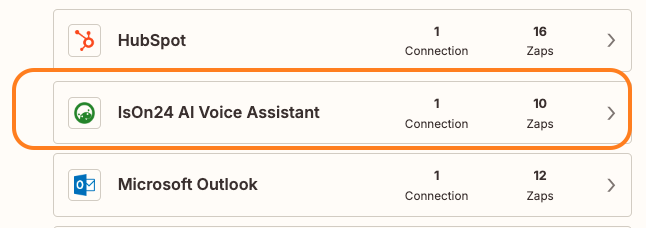
3. Select "Reconnect" and follow the steps.
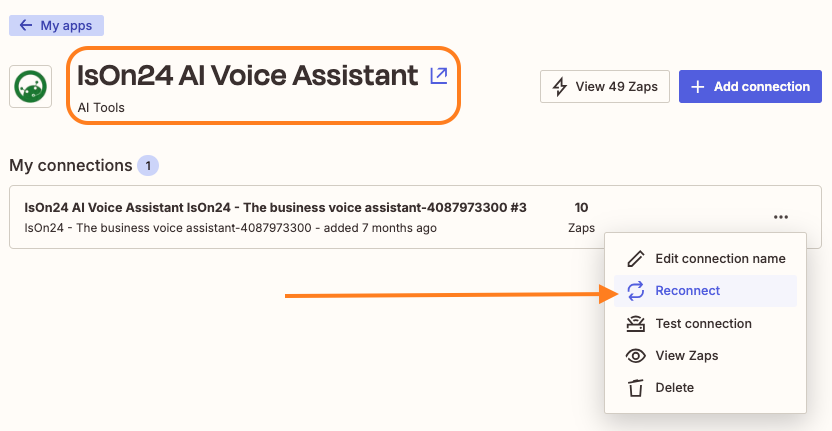
4. After reconnecting your IsOn24 account, review all the Zaps using IsOn24.
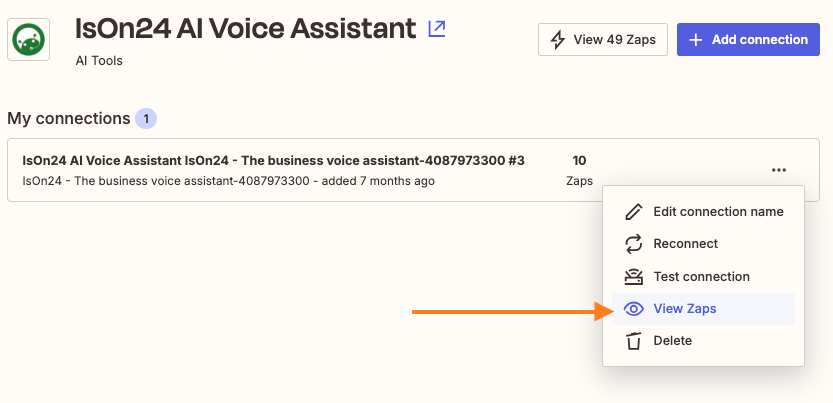
5. Enable the Zaps using IsOn24 as needed.
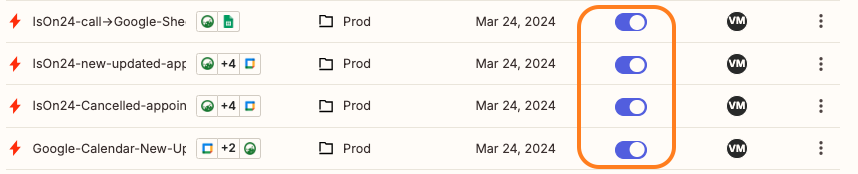
6. Test the Zaps as applicable.